
Set up your email account
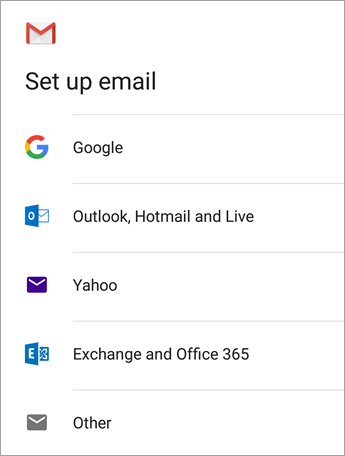
Open the Gmail app. Go to Settings > Add account > Other.


Enter your full email address and then tap Manual Setup > Personal (IMAP).
Enter your password and tap Next.
Incoming Mail Server
| Host Name | shiva.aihosting.co.uk |
|---|---|
| User Name | Your Account Email Address |
| Password | Your Account Password |
| Port | 993 |
| Security | SSL/TLS |
Outgoing Mail Server
| Host Name | shiva.aihosting.co.uk |
|---|---|
| User Name | Your Account Email Address |
| Password | Your Account Password |
| Port | 465 |
| Security | SSL/TLS |